Commons

Leave, attendance and expenses from one front door

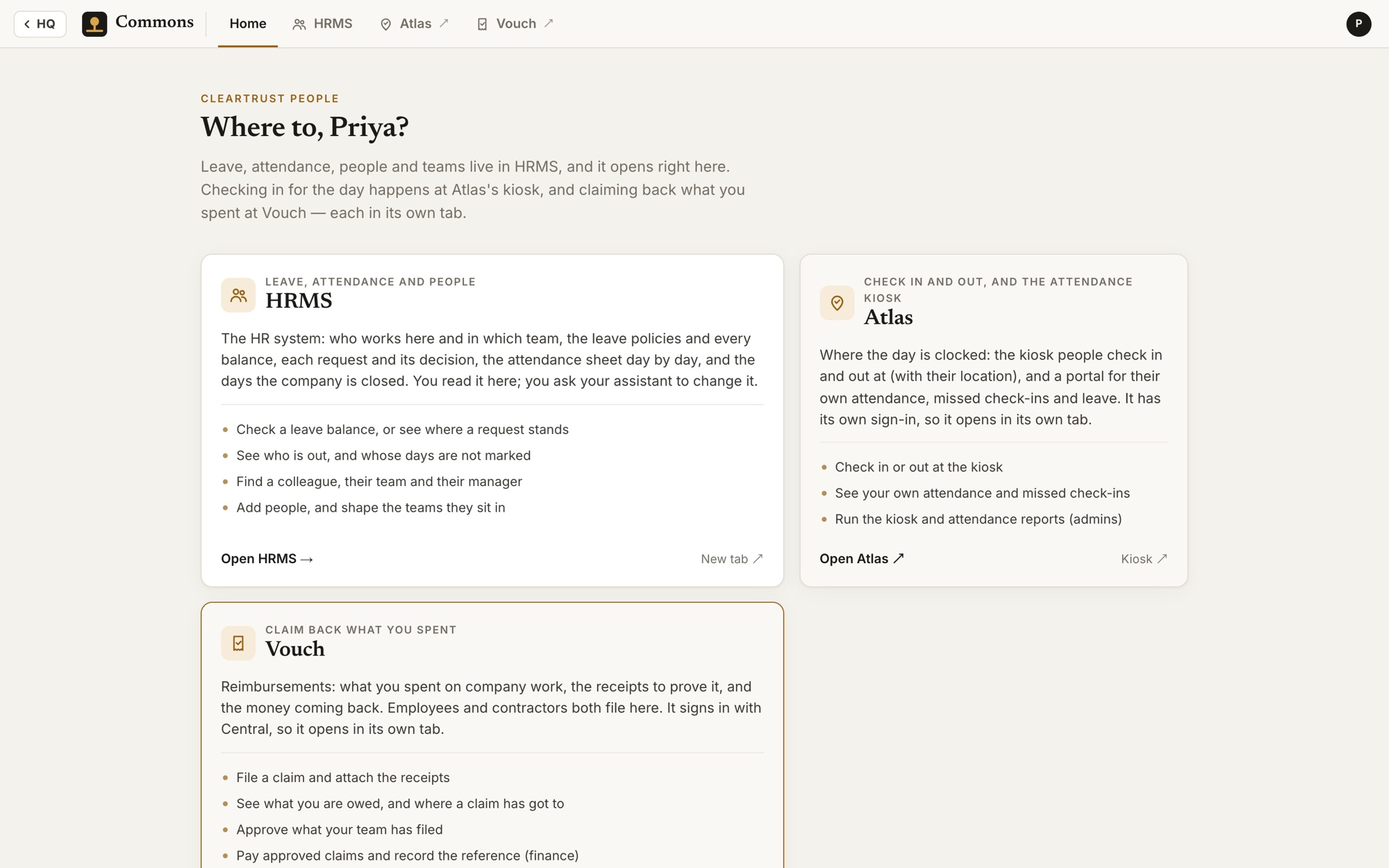
Commons is the people workspace: the HRMS opens inside it with one Central sign-in, while Atlas (attendance kiosk) and Vouch (reimbursements) open in their own tabs. A finder answers "apply for leave", "who is out" or "claim an expense" with the exact page.
For
Every employee, managers and HR
people.cleartrust.cc
Commons: Home: HRMS, Atlas and Vouch with what each is for
Home: HRMS, Atlas and Vouch with what each is for

The problem

Employees do not know where to check a leave balance, mark attendance or file an expense, so they ask HR instead.

What it does

What Commons gives you

HRMS inline

Leave, balances, attendance, people, teams, policies and holidays open inside Commons, scoped to what your HRMS role allows.

Leave through your assistant

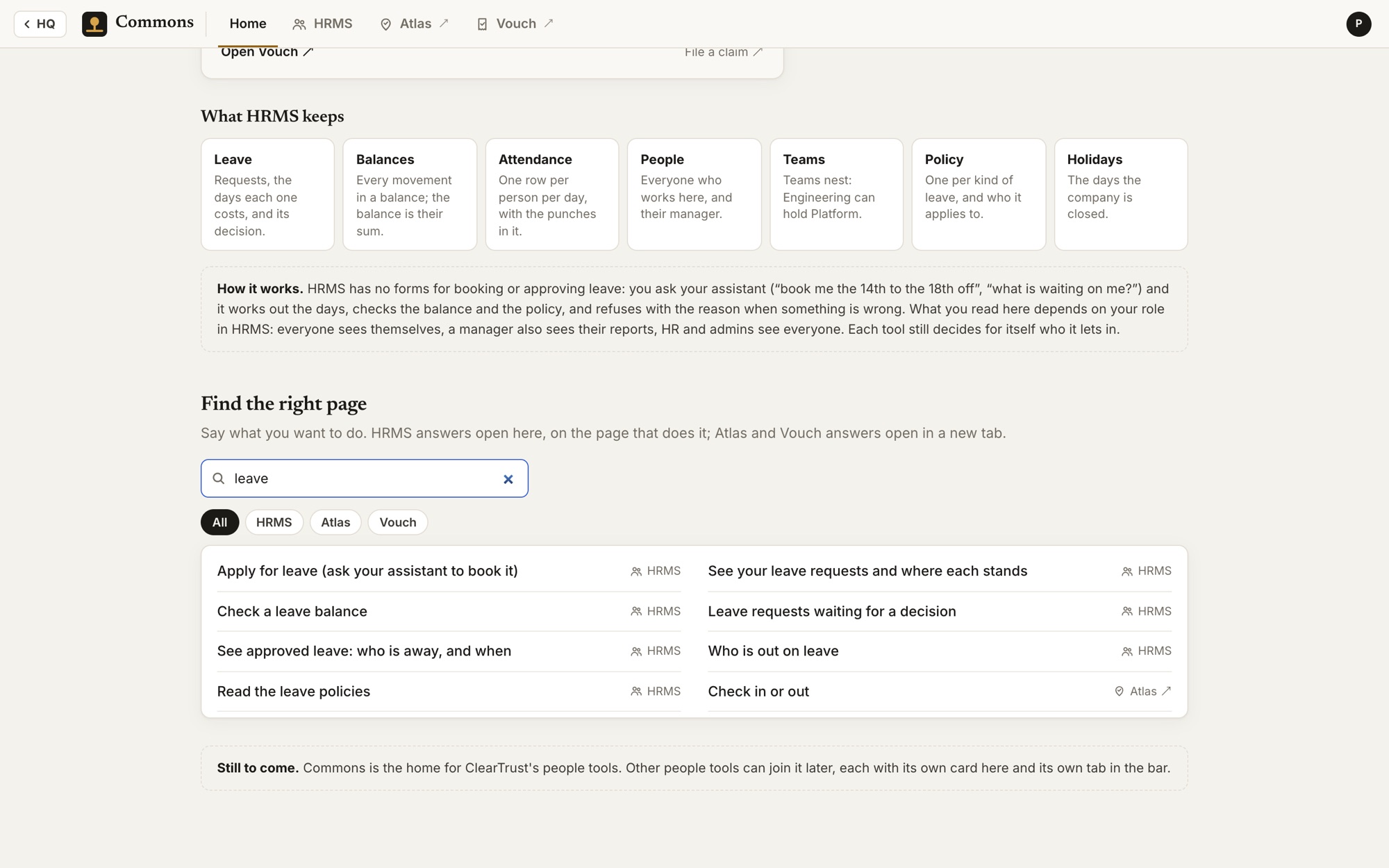
Booking and approving leave is done by asking an assistant connected to the HRMS, which checks the balance and policy and explains any refusal.

Attendance and expenses one click away

Atlas for check-in and out and Vouch for claims with receipts open in their own tabs from the same bar.

What HRMS keeps, explained

Each record type is a link straight to its table, with a plain description of what it holds.

Find the right page

Type what you need and land on the right table, filter or tool.

How it works

From start to done

  1. Sign in once through Central.

  2. Read leave, balances and teams in the HRMS inside Commons.

  3. Ask your assistant to book leave; use Atlas and Vouch for attendance and claims.

Works with

CentralHRMSAtlasVouchHQ

Signed in through Central, so the same people and permissions carry across.

Ready for agents

An MCP endpoint with apps.list and directions.find plus the user and token operations Central binds.

Built on

Next.jsPostgresCentralPlinth
Next productCRMEvery customer and everything that happened, agent-ready

Want Commons working for your team?

We will show it on your own use case and how it joins the rest of the suite.

Talk to us