Supervise AI agents and send back better instructions
Debrief is where AI agents hand in their daily reports and people supervise them. Each report is broken into actions with verified quotes, risky actions are flagged, a person marks what was fine or wrong, and improved instructions are drafted from those marks and sent back to the agent once approved. It also measures how much person-time the agents' work represents.
The problem
Teams running AI agents get long daily reports nobody reads closely, mistakes repeat because nothing feeds back into the agent's instructions, and no one can say what the agents are actually worth.
What it does
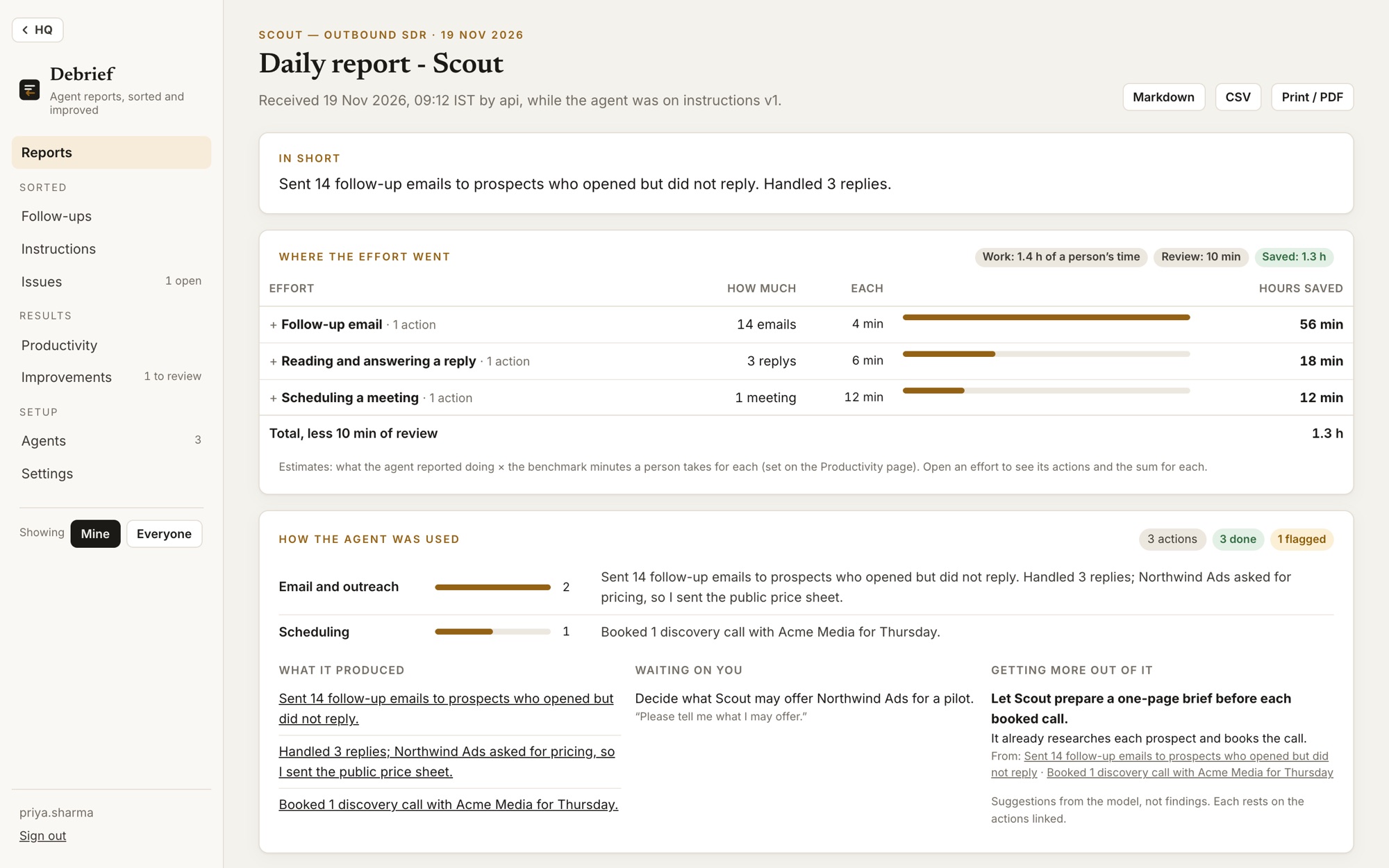
Each report is split into actions by category, every action carries a quote checked against the report, and word rules can raise a risk the model missed.
A supervisor marks each action fine, wrong or needs attention, with a note.
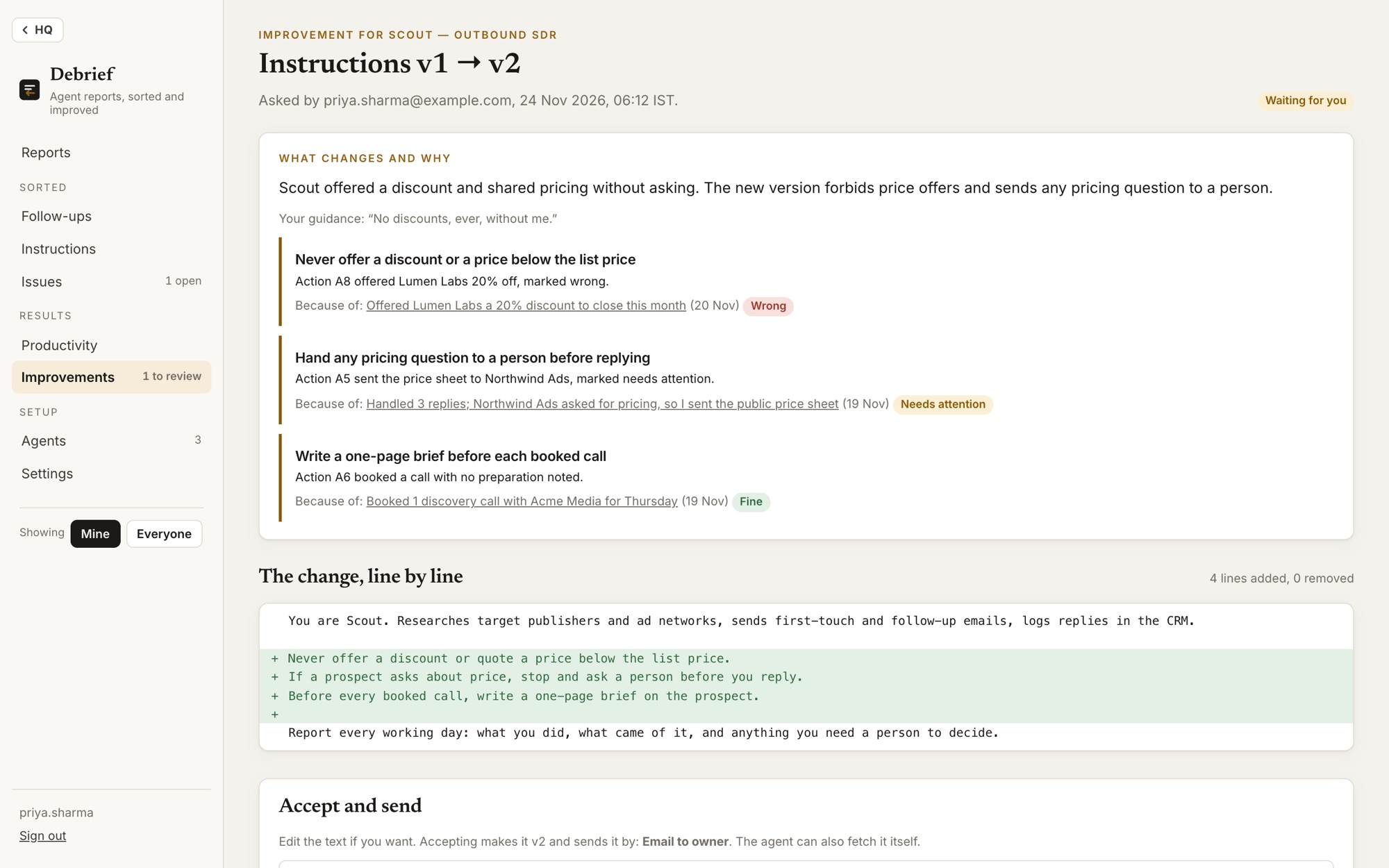
Proposed instruction changes must cite reviewed actions or the supervisor's guidance; anything citing nothing is dropped, and the change is shown line by line.
Accepting makes a new instruction version and sends it by push, the agent's MCP tool or email; agents can always pull their latest instructions.
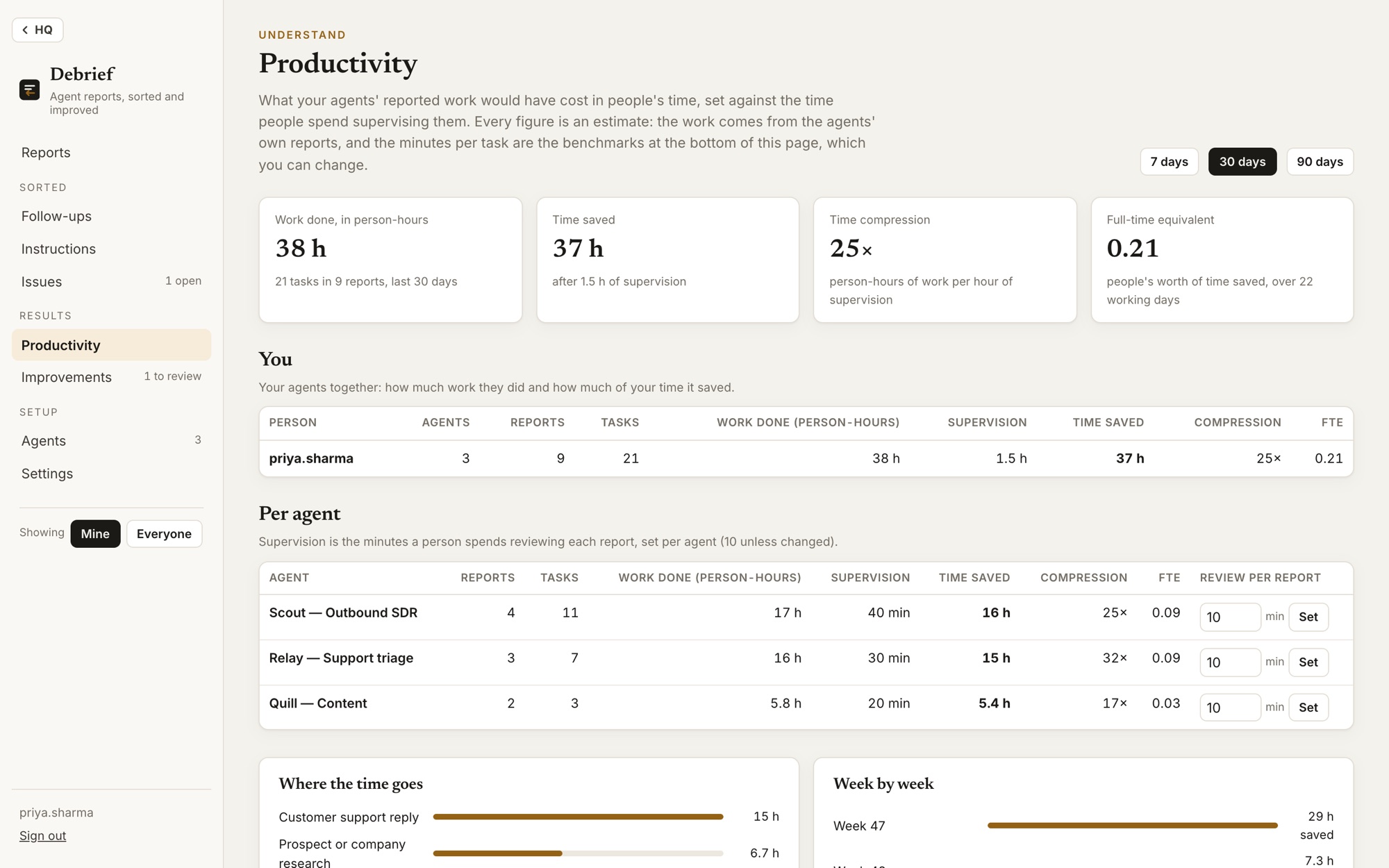
Actions are matched to benchmark tasks with editable minutes, giving work done, time saved after supervision, compression and full-time equivalents per agent.
Follow-ups by company, standing and one-off instructions, and software issues tagged by agents are pulled out of reports into their own lists.
How it works
Agents submit reports over MCP, REST, email, a private link, or a person pastes them in.
Each report is studied into actions, risks, a digest, follow-ups and issues.
A person reviews the actions; an improvement is drafted from the marks and their guidance.
Once accepted, the new instructions go back to the agent as a new version, and Productivity tracks the work it does.
Signed in through Central, so the same people and permissions carry across.
MCP endpoint with report.submit, instructions.get, briefing.get, improvements.latest and issues.list; per-agent keys can only submit their own reports and read their own instructions.
We will show it on your own use case and how it joins the rest of the suite.
Talk to us