Customer help centre with answers drawn from your guides
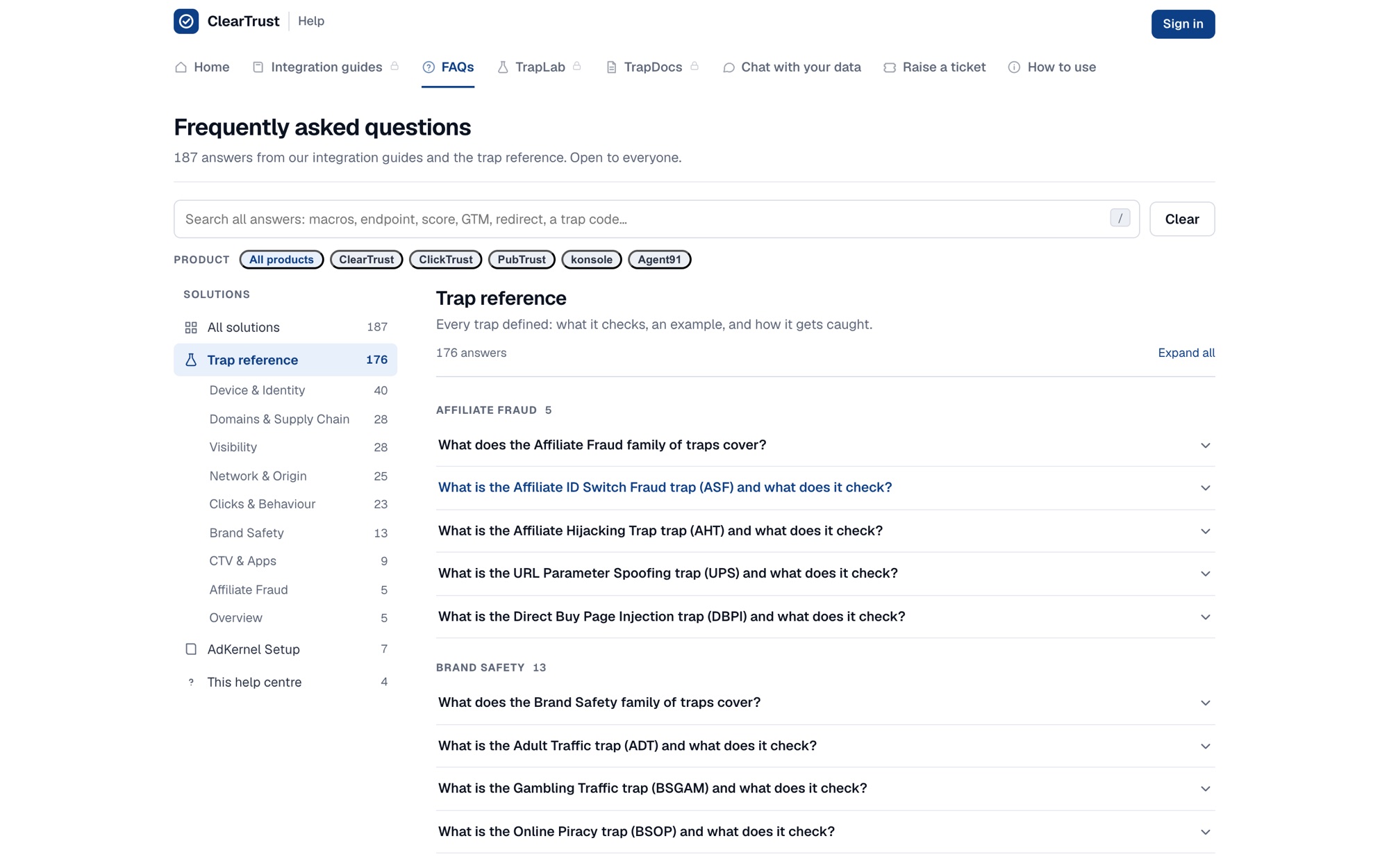
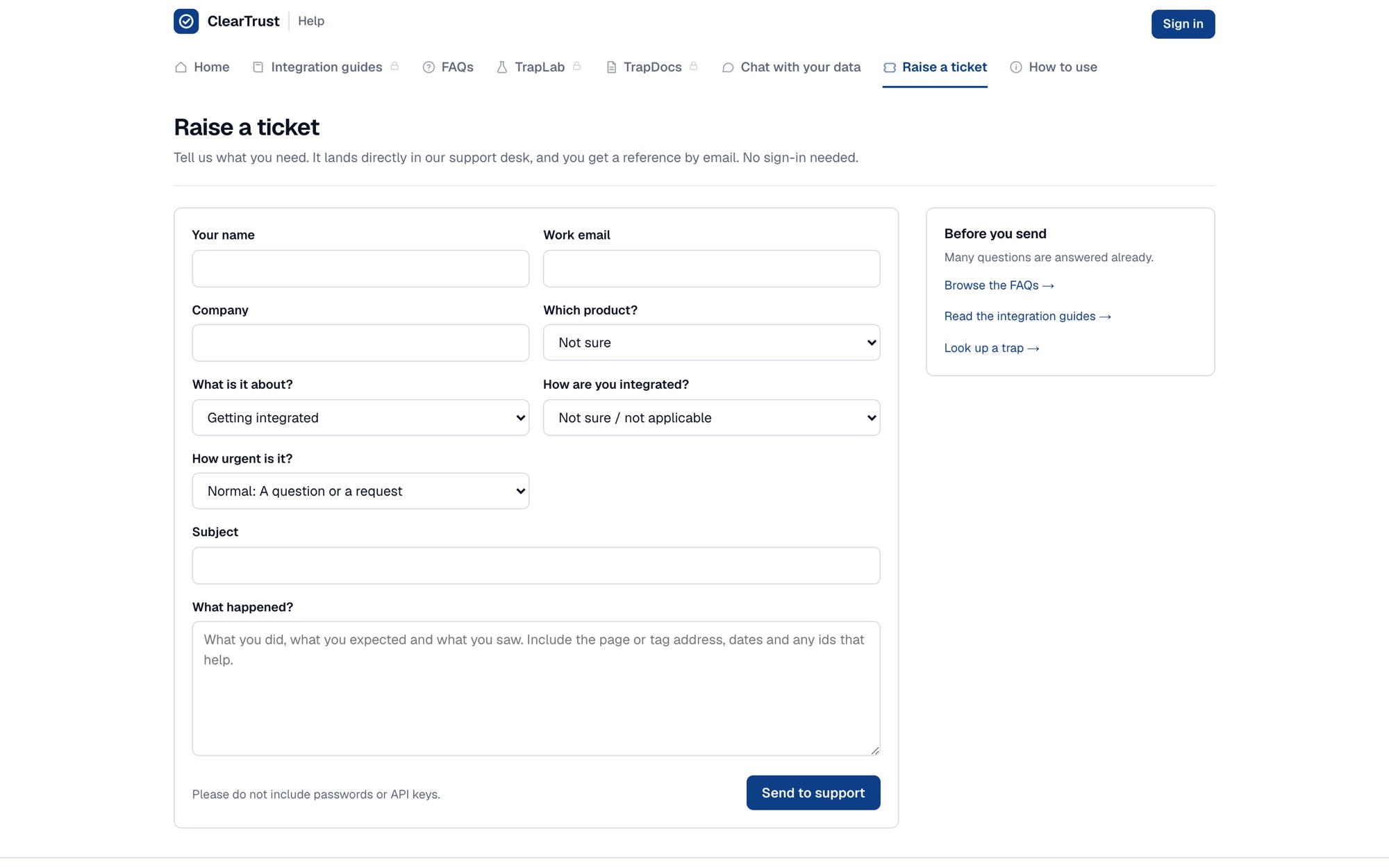
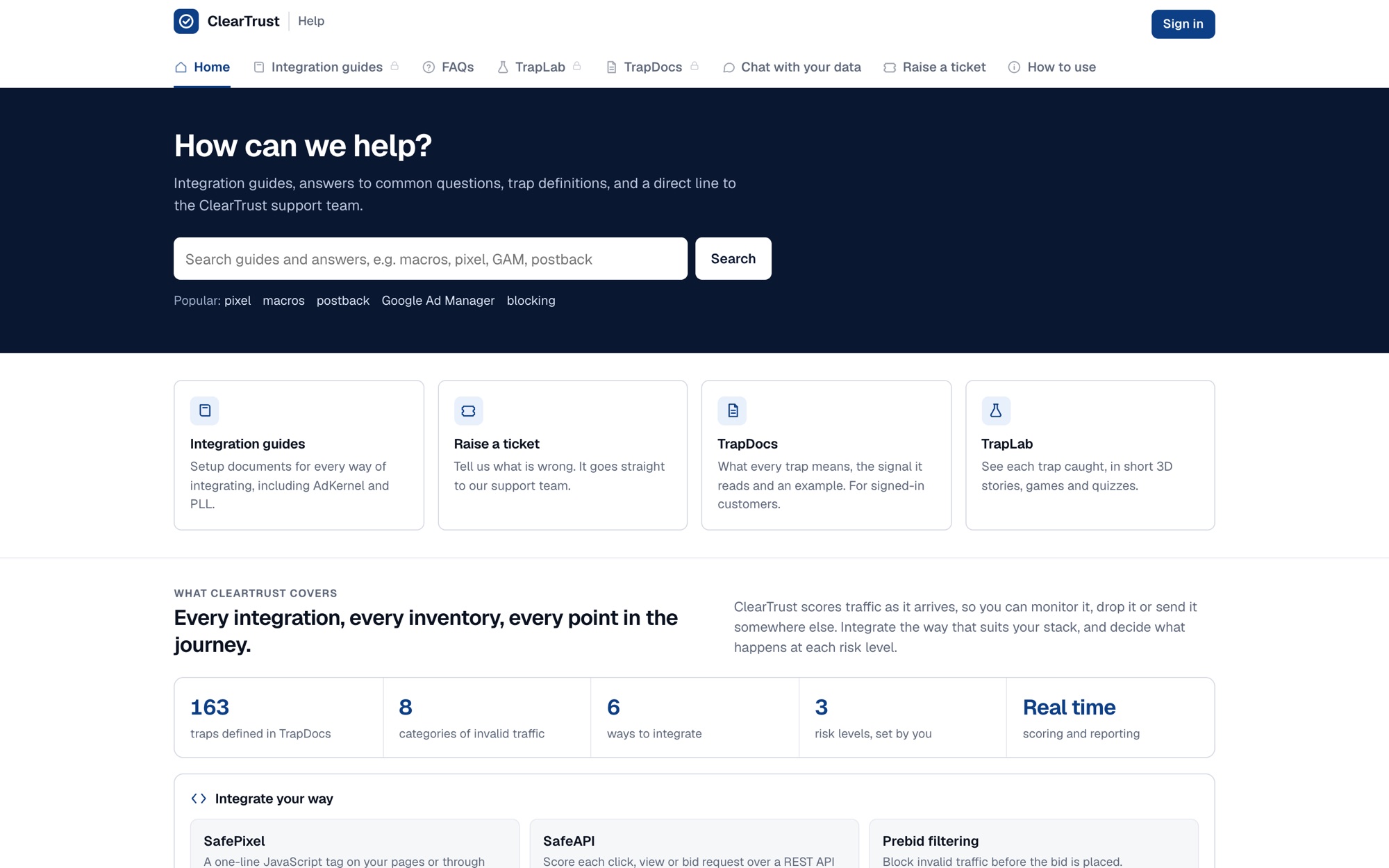
The ClearTrust Help Centre is the public front door for customers: integration guides that open in the browser, FAQs written from those guides, the trap reference and TrapLab, and a ticket form that goes straight into Desk. Staff run it from an admin console signed in through Central.
The problem
Integration documents live in a file store customers cannot browse, FAQs go stale as soon as a guide changes, and customer emails reach support with no product, integration type or urgency attached.
What it does
FAQs are written from each guide and published at once; an FAQ is only kept if its quote and figures appear in the source document, and staff can edit or hide any of them.
Every document in the guides library opens inside the portal, PDFs and Office files as PDF and markdown rendered, with search inside all of them.
The ticket form asks for product, topic, integration type and urgency, and opens the ticket in Desk with no sign-in needed.
Customers use their ClearTrust login for signed-in areas such as TrapLab and TrapDocs; the password is never stored.
For a signed-in customer, guides for their own integration type, known from Casebook, are shown first.
Guides library mapped from Folio folders, FAQs, customers, tickets, desks and agents, and settings, behind Central sign-in.
How it works
Staff map Folio folders to guide sections; the library refreshes every 30 minutes.
FAQs are written from new guides and checked against them before publishing.
Customers search guides and FAQs, open documents in the browser, or sign in for TrapLab and TrapDocs.
Anything unanswered becomes a Desk ticket with the details support needs.
We will show it on your own use case and how it joins the rest of the suite.
Talk to us