HQ

The front door to every ClearTrust workspace

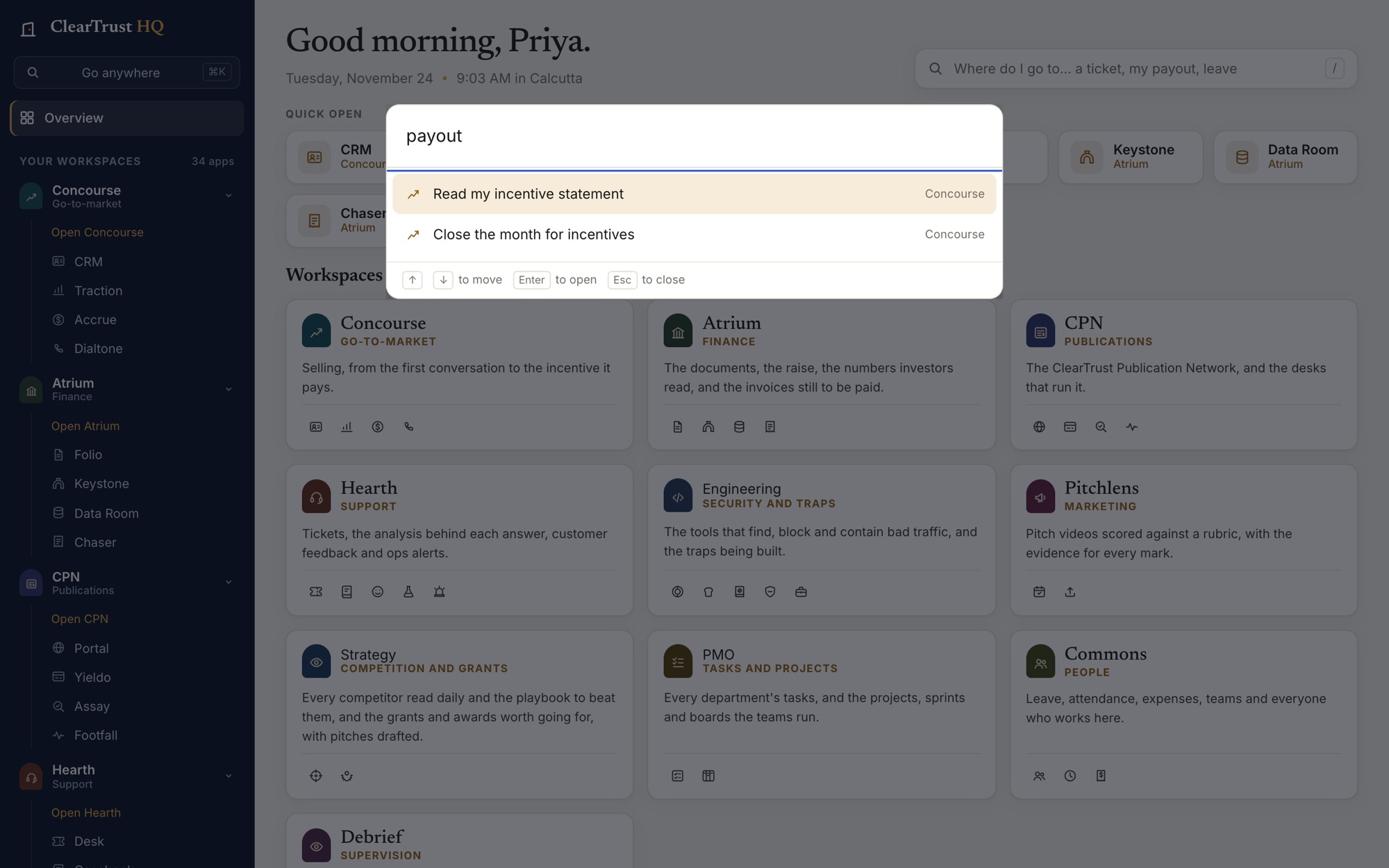
HQ is the home page of the suite: sign in once with Central and every workspace (go-to-market, finance, support, people, engineering, publications and more) is one click away, with each app listed under it. A finder and a Cmd-K palette take a plain request like "my payout" or "leave" to the exact page that does it.
For
Everyone in the company, from staff to investors
hq.cleartrust.cc
HQ: Home: quick-open apps and every workspace with its tools
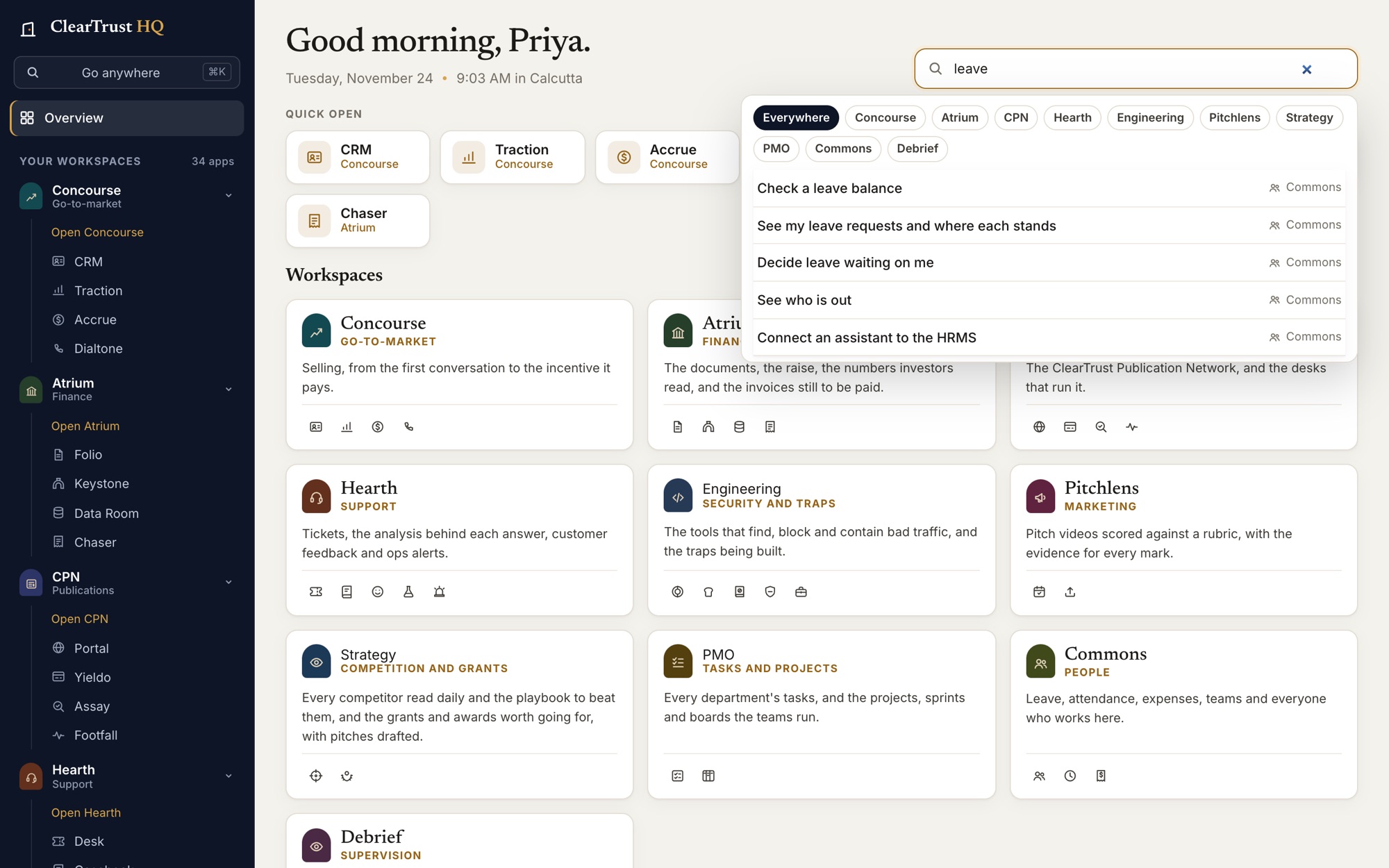
Home: quick-open apps and every workspace with its tools
The problem

With dozens of separate apps, people lose time remembering which tool does what and where it lives.

What it does

What HQ gives you

Workspaces follow Central grants

The sidebar shows each workspace with only the apps Central says that person reaches.

Find any page

A finder and a Cmd-K palette search every page HQ knows and open it directly; with a konsole key, Ask HQ maps a sentence in any language to one of those known pages.

Live figures per workspace

With a Central key, each workspace card shows headline numbers read from its tools over MCP, plus a Needs a look strip for overdue invoices, blocked tasks and unowned tickets.

Investor view

People in the investors team land on their own page with Data Room figures, an MRR chart and only the sections they are granted.

Safe redirects

Every door goes through /go, which records the visit and only sends people to destinations known for that door.

How it works

From start to done

  1. Sign in once through Central.

  2. HQ asks Central what this person reaches and draws their workspaces.

  3. Open a workspace, or type what you need and jump straight to the page.

Works with

Signed in through Central, so the same people and permissions carry across.

Ready for agents

An MCP endpoint with apps.list and directions.find, so an assistant can ask where something lives, authenticated with Central-issued keys.

Built on

Next.jsPostgresCentralkonsolePlinth
Next productConcourseCRM, analytics and incentives behind one bar

Want HQ working for your team?

We will show it on your own use case and how it joins the rest of the suite.

Talk to us